Your robots.txt says yes and your firewall says no
Permission in robots.txt is no guarantee the crawler gets through. How to spot a firewall block in two minutes, and why the most dangerous case returns HTTP 200.
In this article7
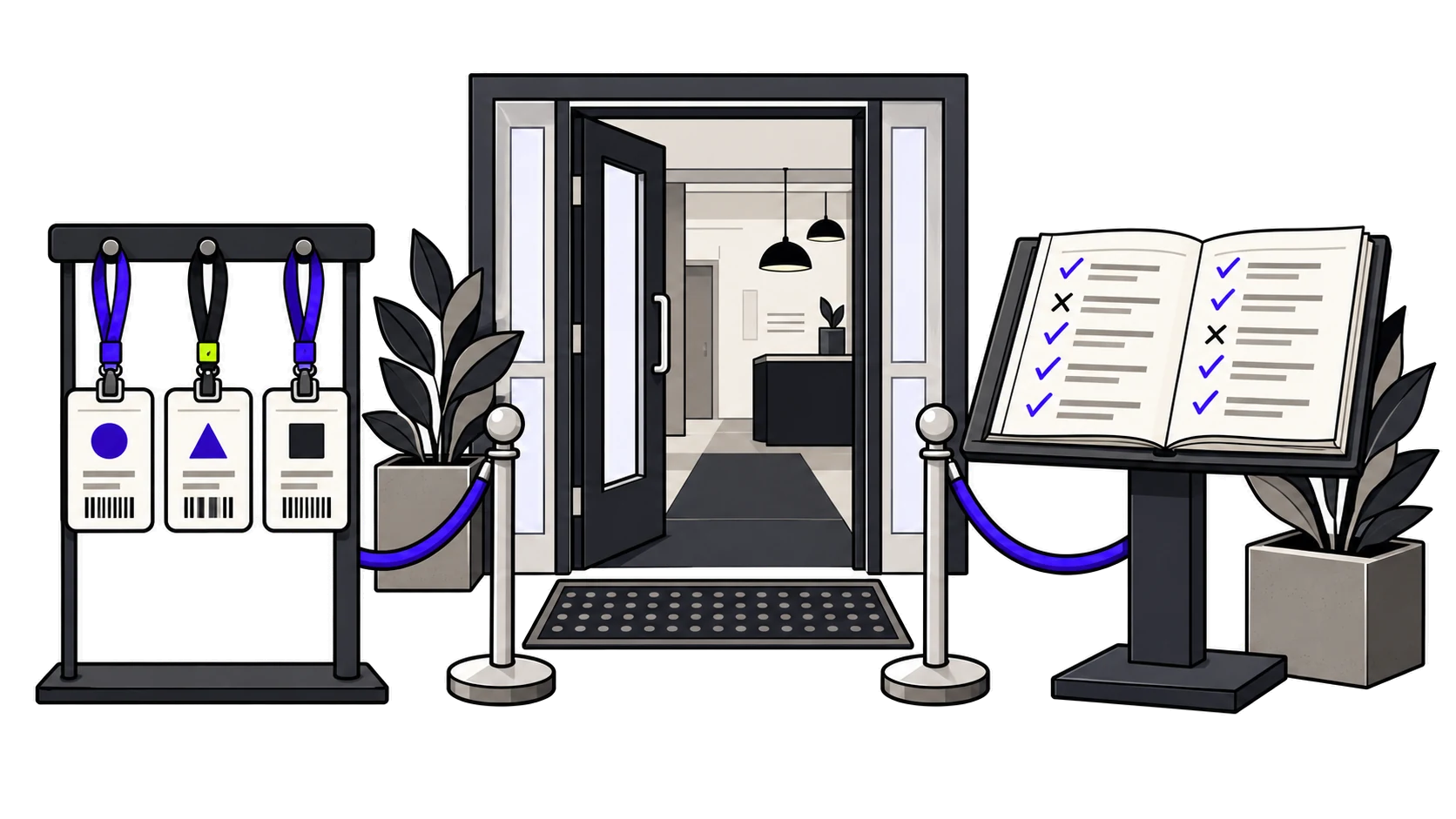
A robots.txt does not open or close anything. It is a sign on the door. It says who the owner would like to let in, and serious crawlers respect it. But what really decides who gets through is not the sign: it is the infrastructure sitting in front of the server.
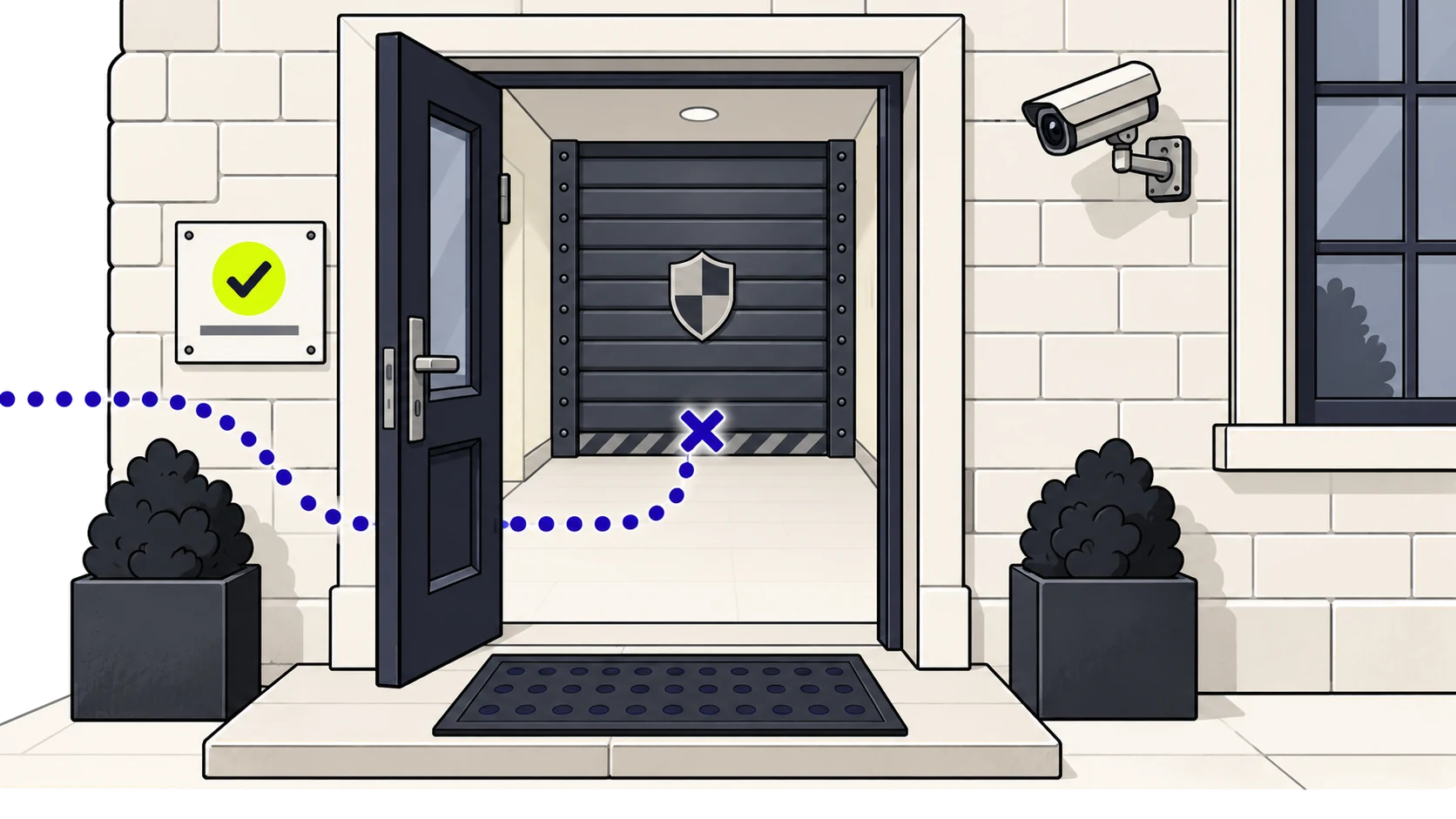
That is where one of the most common failures we see comes from, and also the hardest one to spot from the inside: a robots.txt that is impeccable, with explicit permission for every AI crawler, and a firewall that throws them out before they ever get to read it.
Nobody decided to block them
This is almost never a decision. It is an inherited setting, or a default nobody ever reviewed. The same causes come up again and again:
- “Bot Fight Mode” switched on in Cloudflare. It is a switch, it is one click away and it sounds sensible. What it does is return a challenge to any automated traffic that is not on its list of verified bots.
- Managed WAF rules. The default rule packs include categories such as “scrapers” or “automated tools” that sweep up far more than their name suggests.
- A WordPress security plugin. Several ship with user-agent blacklists that update themselves, and some of those lists have lumped AI crawlers in with content scrapers.
- Rate limiting. A crawler that requests twenty pages in a row looks like an attack if the threshold is set for a human reading.
- Geographic blocking. If your site only accepts traffic from Spain, bear in mind that crawlers come out of data centres, almost always abroad. Filtering by country filters them out too.
There is also a background shift worth knowing about: in July 2025 Cloudflare started blocking AI crawlers by default on new domains, and offered existing ones the option of switching it on with a single click. If your site was set up behind Cloudflare after that date, the question is not whether someone turned it on, but whether anyone turned it off.
What the crawler sees when it does not get through
A block shows up in three ways, and they are not equally serious because they are not equally visible.
A 403 or a 401. The server denies access to agents it does not recognise. At least it is honest: the crawler leaves knowing it was turned away. In our diagnostic this is the case we mark as a block, because there is no ambiguity.
A 503 with a waiting page. The classic “Just a moment…” while a challenge is resolved. A browser gets past it in two seconds and the user never notices. An AI crawler does not: it does not run the challenge JavaScript and it does not solve a CAPTCHA. As far as it is concerned, the site ends there.
A 200 that is not your page. This is the worst one, and the one almost no tool handles properly. The challenge is served with a 200 status and with HTML of its own. Everything looks right: there is a response, there is a success code, there is content. Only the content is not your site.
That last case is the one that produces absurd diagnostics. A tool that reads that body without checking what it is the body of will tell you that your site has no H1, no JSON-LD and no meta description, without ever having seen them. It describes the firewall page and bills it to you as your own.
That is why our engine has one non-negotiable rule: when what arrives is not the site content, the checks that depend on the body are declared inconclusive and drop out of the score. They do not count as zero. Accusing a site of a fault we were unable to observe is worse than giving no figure at all.
How to check it on your own site, in two minutes
The test is a comparison: request the same page twice, once as a browser and once as a crawler, and see whether you get the same answer.
curl -s -o /dev/null -w "%{http_code}\n" \
  -A "Mozilla/5.0 (Macintosh; Intel Mac OS X 10_15_7) AppleWebKit/537.36 (KHTML, like Gecko) Chrome/120.0 Safari/537.36" https://tudominio.es/

curl -s -o /dev/null -w "%{http_code}\n" \
  -A "Mozilla/5.0 (compatible; OAI-SearchBot/1.0; +https://openai.com/searchbot)" \
  https://tudominio.es/
If the first returns 200 and the second 403 or 503, there it is. Repeat with PerplexityBot and with ClaudeBot: they do not always behave the same way, because the lists of verified bots are not the same everywhere.
And to catch the deceptive 200, look at the body instead of the status code:
curl -s -A "Mozilla/5.0 (compatible; OAI-SearchBot/1.0; +https://openai.com/searchbot)" \
  https://tudominio.es/ | grep -i -E "just a moment|challenge-platform|datadome|incapsula"
Any match means you are being served a challenge, not your site.
A word of warning about this: declaring somebody else’s user-agent to test your own site is legitimate, and it is the only way to reproduce what happens. Doing it against third-party sites is impersonation. We do not do that: we analyse with our own identified agent and detect the challenge signature in what reaches us — Cloudflare, Imperva, DataDome, Akamai, Sucuri, PerimeterX and the cf-mitigated header — which is information enough without pretending to be anyone.
Where to look if a block shows up
In Cloudflare, in order of likelihood: Security → Bots (Bot Fight Mode and, if you have it, the Super Bot Fight Mode setting for “Definitely automated”), the AI crawlers section, the managed rules of the WAF, and the rate-limiting rules. In the security events panel you can filter by user-agent and see, with date and time, exactly which rule turned away whom. It is where the guesswork ends.
If the block comes from the hosting or from a plugin, the order is the same: look first at the user-agent list, then at the request limit.
Blocking is not always wrong
It is worth saying, because the industry tends to treat this as if there were only one right answer. There are legitimate reasons to close the door: AI crawling uses bandwidth you pay for, and some publishers have decided that their content does not travel for free. That is a position, not a mistake.
What is almost never a position is the state most of the sites we analyse are in: blocked by accident, by a setting nobody chose, while the robots.txt swears the opposite. If you decide to block, block on purpose. And if you do, keep the two apart: closing off training crawling costs you no citations; closing off answer crawling does, and that is where traffic is lost without anyone noticing.
Two questions, not one
In the end it all comes down to this. Do you allow it on paper? Your robots.txt says so. Does it arrive in practice? Your infrastructure says so. The first question is answered by opening a text file. The second one has to be provoked.
Our free diagnostic does both: it works out the rules of your robots.txt agent by agent and, at the same time, checks what actually comes back when your pages are requested. When the two answers disagree, that contradiction is the most useful result we can give you.
Frequently asked questions
How do I know whether my firewall is blocking AI crawlers?
Request the same page twice with curl, once declaring a browser user-agent and once that of a crawler such as OAI-SearchBot, and compare. If the first returns 200 and the second 403 or 503, you have a block. If both return 200, look in the response body for markers such as “Just a moment”, challenge-platform or datadome: they mean you are being served a challenge instead of your site.
My robots.txt allows access. Why am I still not being read?
Because robots.txt does not open or close anything: it is a sign on the door, and what decides who gets through is the infrastructure in front of the server. A “Bot Fight Mode” switched on in Cloudflare, a WAF rule, a security plugin, a request limit or a country filter can turn the crawler away before it ever reads the file that grants it permission.
If the site returns HTTP 200, is everything fine?
Not necessarily, and this is the most dangerous case. An anti-bot challenge can be served with a 200 status and with HTML of its own: there is a response, there is a success code and there is content, only the content is not your site. A tool that reads that body without checking what it is the body of will tell you that your page has no H1, no JSON-LD and no meta description, without ever having seen them.
Does blocking GPTBot cost me visibility in ChatGPT?
No. GPTBot collects text to train models, and blocking it is a legitimate editorial decision that costs you no citations. What does cost visibility is blocking the answer crawlers — OAI-SearchBot, ChatGPT-User, PerplexityBot — because those are the ones that read your site live when somebody asks a question, and that is where linked citations come from.
Is it wrong to block AI crawlers?
No, as long as it is a decision. Crawling uses bandwidth you pay for, and some publishers have decided that their content does not travel for free. The problem is the state most sites are in: blocked by accident, by a setting nobody chose, while the robots.txt swears the opposite.
Where do I look in Cloudflare if a block shows up?
In order of likelihood: the bots section inside Security (Bot Fight Mode and the Super Bot Fight Mode settings), the AI crawlers section, the managed WAF rules and the rate-limiting rules. In the security events panel you can filter by user-agent and see, with date and time, exactly which rule turned away whom.