GPTBot: what it is and how to configure it in your robots.txt
GPTBot is OpenAI’s crawler that trains its generative AI models. We explain how to tell it apart from OAI-SearchBot and configure your robots.txt.
In this article9
- What is GPTBot?
- OpenAI’s four crawlers and what each one controls
- How to configure GPTBot in robots.txt: examples
- How to verify that a request really comes from GPTBot
- How long does a robots.txt change take to apply?
- When robots.txt says yes and the firewall says no
- How to test your robots.txt for GPTBot
- Checklist before publishing your robots.txt
- Frequently asked questions about GPTBot and robots.txt
Key takeaways
- GPTBot is the crawler OpenAI uses to collect public content for training its generative AI models.
- Blocking GPTBot in robots.txt only affects future training: it does not remove your site from ChatGPT search, which depends on a different crawler, OAI-SearchBot.
- OpenAI uses four different user-agents (GPTBot, OAI-SearchBot, ChatGPT-User and OAI-AdsBot), and each one is controlled independently.
- Once you create a
User-agent: GPTBotgroup, GPTBot ignores the rules in theUser-agent: *group. It is the most common configuration mistake. - Permission in robots.txt does not guarantee access: the firewall can still block the crawler with a 403 or a 429.
You opened your site’s robots.txt and found a User-agent: GPTBot line followed by Disallow: /, with no idea who added it or what it blocks? It is a common situation: many templates, SEO plugins and CDNs now add this rule by default.
This guide explains what GPTBot is, how it differs from OpenAI’s other crawlers, how to configure it in robots.txt with ready-to-use examples, and how to check that the configuration works.
What is GPTBot?
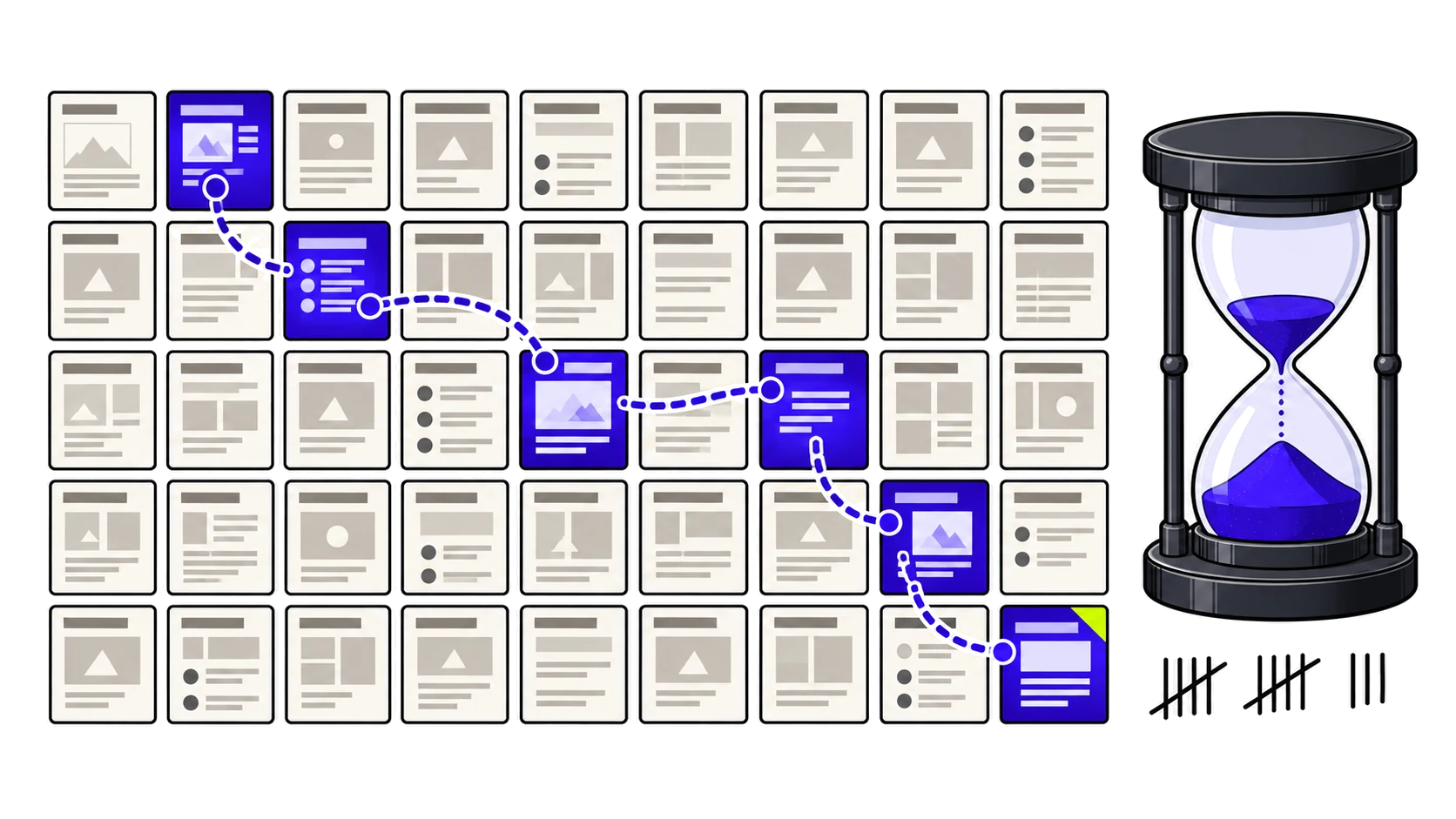
GPTBot is OpenAI’s web crawler. It collects publicly accessible content that may be used to train OpenAI’s generative AI models. According to OpenAI’s official documentation, disallowing it indicates that a site’s content should not be used in that training.
It identifies itself with this user-agent:
Mozilla/5.0 AppleWebKit/537.36 (KHTML, like Gecko); compatible; GPTBot/1.4; +https://openai.com/gptbotTwo points to keep in mind:
- Blocking is not retroactive. It only affects future collection. Content already used in trained models is not removed.
- The version changes without notice. OpenAI updates the number after
GPTBot/. In robots.txt and firewall rules, match only theGPTBottoken, never the full string with the version.
OpenAI’s four crawlers and what each one controls
OpenAI does not run a single bot; it runs four. Each has a different job and is configured separately in robots.txt:
| User-agent | Function | Trains models? | Follows robots.txt? | Effect of blocking it |
|---|---|---|---|---|
| GPTBot | Collects content for training future models | Yes | Yes | Content is no longer used in future training |
| OAI-SearchBot | Indexes content for ChatGPT search | No | Yes | The site no longer appears in ChatGPT search answers |
| ChatGPT-User | Visits a page when a user or a Custom GPT asks for it | No | Not necessarily, because the user initiates the action | Uncertain: only the firewall guarantees a block |
| OAI-AdsBot | Checks the safety of pages submitted as ads on ChatGPT | No | Only visits pages submitted as ads | Relevant only to ChatGPT advertisers |
Blocking GPTBot does not remove you from ChatGPT
This is the most common confusion. GPTBot controls training; visibility in ChatGPT search answers depends on OAI-SearchBot. OpenAI itself states that the settings are independent: a site can allow OAI-SearchBot to appear in search and disallow GPTBot to stay out of training.
The opposite mistake also happens: blocking anything with “GPT” or “OpenAI” in its name, OAI-SearchBot included, and losing ChatGPT search visibility without understanding why.
How to configure GPTBot in robots.txt: examples
robots.txt always lives at the root of the domain (yoursite.com/robots.txt). These are the four most common scenarios.
Block GPTBot across the whole site
User-agent: GPTBot
Disallow: /
Allow GPTBot across the whole site
User-agent: GPTBot
Allow: /
Block only some directories
Useful for keeping customer areas, paid content or account pages out of training while leaving the rest accessible:
User-agent: GPTBot
Disallow: /account/
Disallow: /premium/
Allow: /
Stay out of training but visible in ChatGPT search
This is the setup many sites want and few apply correctly:
User-agent: GPTBot
Disallow: /

User-agent: OAI-SearchBot
Allow: /

Sitemap: https://yoursite.com/sitemap.xml
The mistake that cancels your general rules
Under the robots.txt standard (RFC 9309), a crawler follows only the most specific group of rules for its user-agent. If a User-agent: GPTBot group exists, GPTBot ignores the User-agent: * group entirely.
In practice, if you blocked /wp-admin/ or /cart/ for all bots and then created a GPTBot-only group with Allow: /, those areas are now open to GPTBot. Any general rule you want to keep must be repeated inside the specific group.
If robots.txt does not mention GPTBot, the User-agent: * rules apply. If there are no rules at all, access is treated as allowed.
What about other AI crawlers?
The same logic applies to other companies’ crawlers, each with its own token: ClaudeBot and Claude-SearchBot (Anthropic), PerplexityBot (Perplexity) and Google-Extended (Gemini training and grounding, with no effect on Google Search rankings). Deciding what to block means separating, for each company, the training crawler from the search crawler.
How to verify that a request really comes from GPTBot
Any scraper can fake a user-agent. To confirm a request really comes from OpenAI:
- Filter your server logs for requests with the
GPTBottoken in the user-agent. - Compare the source IP with the official list OpenAI publishes at openai.com/gptbot.json.
- Do the same for the other agents: searchbot.json for OAI-SearchBot and chatgpt-user.json for ChatGPT-User.
- Treat any request using an OpenAI user-agent from an IP outside these lists as suspicious.
How long does a robots.txt change take to apply?
For OAI-SearchBot, OpenAI says its systems can take around 24 hours to adjust after a robots.txt update. No equivalent timeframe is published for GPTBot. After changing the configuration, monitor your logs over several days to confirm that behaviour has changed.
When robots.txt says yes and the firewall says no
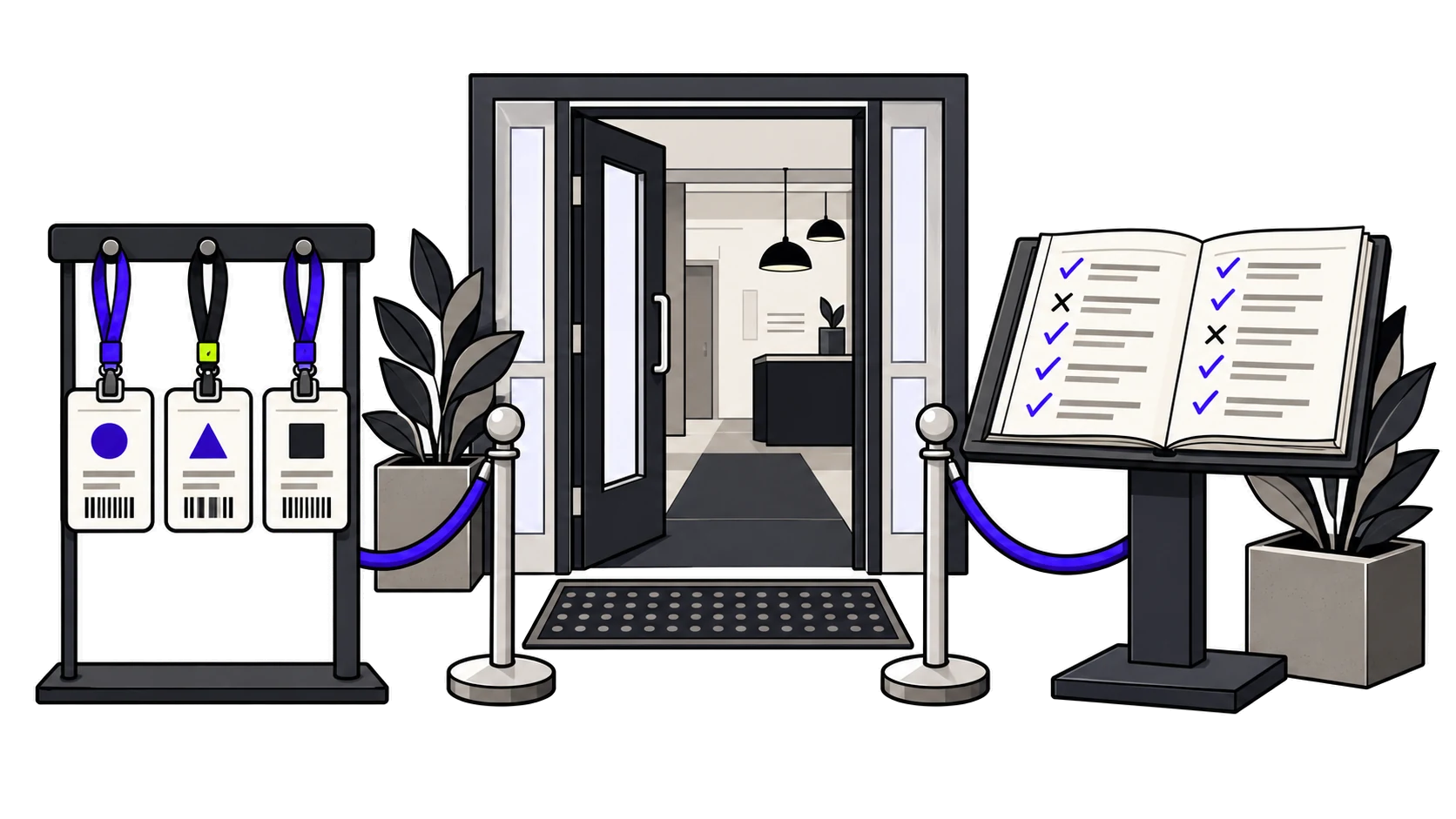
Allowing GPTBot in robots.txt does not guarantee it can get in. Firewalls and WAFs such as those from Cloudflare, Akamai or AWS can return a 403 or a 429, or serve a CAPTCHA challenge the crawler cannot solve. robots.txt is an instruction; the firewall decides whether the door opens.
That is why robots.txt and firewall rules must be reviewed together. We explain how to spot these blocks in the article on firewalls that block AI crawlers.
How to test your robots.txt for GPTBot
Google’s old robots.txt tester has been retired and replaced by the robots.txt report in Search Console, which only shows how Google’s crawlers behave. To test OpenAI’s crawlers, use three complementary checks:
- Read the file as it is served: open
yoursite.com/robots.txtand confirm theGPTBotgroup exists and is not overridden by another group. - Simulate the user-agent: a request with GPTBot’s user-agent (for example,
curl -A "GPTBot" https://yoursite.com/) shows whether the server or firewall responds with 200, 403 or 429. Note that it only tests user-agent-based rules, not IP-based ones. - Confirm in the logs: it is the only proof that the real GPTBot is getting in, or being blocked, after the change.
Access is only the first condition. Even with the door open, an AI crawler can receive an almost empty page if the content depends on JavaScript, as we explain in the article on readability for AI crawlers. For a full review, see what a technical SEO audit must include.
Checklist before publishing your robots.txt
- The GPTBot decision is deliberate, not a rule inherited from a template or a plugin.
- OAI-SearchBot and ChatGPT-User have been reviewed separately from GPTBot.
- The general
User-agent: *rules you want to keep are repeated inside theGPTBotgroup. - Rules use only the
GPTBottoken, without a version number. - The firewall does not contradict what robots.txt allows.
- The file includes a
Sitemap:line with the URL of your sitemap. - Logs have been checked a few days after the change.
Frequently asked questions about GPTBot and robots.txt
Does blocking GPTBot affect Google rankings?
No. GPTBot is an OpenAI crawler and has no connection to Google’s search systems. To control whether your content is used to train Gemini, the token is Google-Extended, which does not affect Google Search rankings either.
Does blocking GPTBot remove my site from ChatGPT answers?
No. Presence in ChatGPT search answers depends on OAI-SearchBot. Blocking GPTBot only stops your content from being used in future training.
Are GPTBot and ChatGPT-User the same crawler?
No. GPTBot collects content automatically for training. ChatGPT-User visits a page only when a user or a Custom GPT asks for it during a conversation, and OpenAI states that robots.txt rules may not apply in that case.
What happens if robots.txt does not mention GPTBot?
GPTBot follows the rules in the User-agent: * group. If no rule applies, access is treated as allowed, including for training.
How do I know whether a request really comes from GPTBot?
Compare the request’s source IP with the official list OpenAI publishes at openai.com/gptbot.json. User-agents can be faked; the IP is the reliable check.
Does blocking GPTBot remove my content from models already trained?
No. Blocking only affects future collection. Content used in earlier training is not removed from existing models.
Should I block GPTBot?
It depends on your goal. If your content is your product (paid content, original research, databases), blocking it makes sense. If your goal is visibility and brand recognition, keeping it open is consistent with that strategy. Either way, make the decision separately from the one about OAI-SearchBot.