Crawl budget: what it is and how to optimise it in 2026
What a site’s crawl budget is, how Google calculates it and which practices help optimise it. With common myths and how to check it in Search Console.
In this article9
- What crawl budget is: crawl capacity and crawl demand
- Who does crawl budget really matter to?
- How to check your site’s crawl budget
- Common myths and mistakes about crawl budget
- Best practices for optimising crawl budget
- Special case: crawl budget in ecommerce and faceted navigation
- How to get more crawl budget
- Frequently asked questions about crawl budget
- Conclusion: what to check first
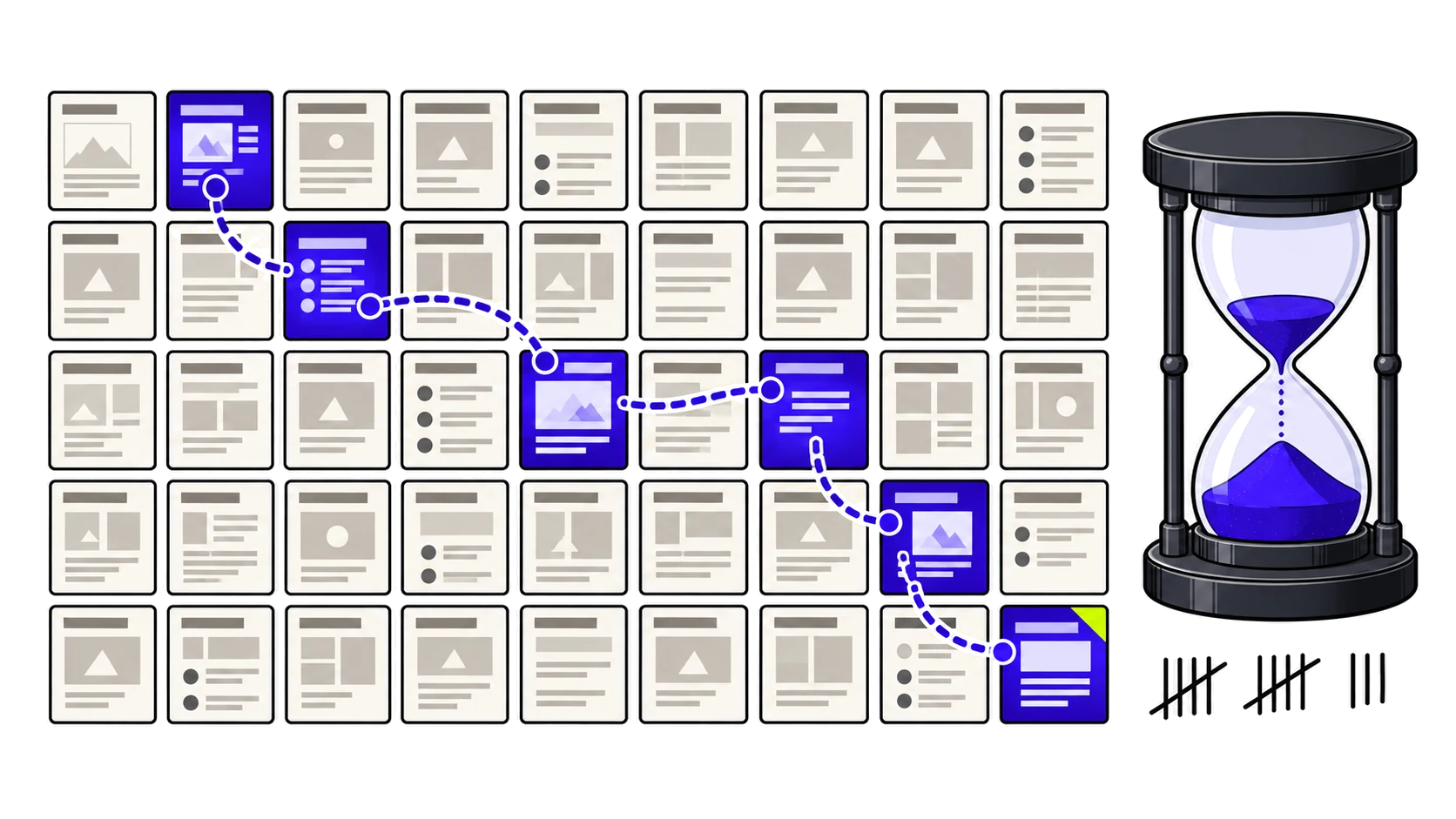
You open Search Console and see new pages that Google takes days (or weeks) to crawl, while other parts of your site get visits from Googlebot constantly. That, in essence, is the crawl budget: the time and resources Google devotes to crawling your site in a given period.
Before going any further, an important clarification that Google itself makes explicit: this is an advanced guide. If your site has a few thousand pages and what you publish gets indexed within a day or two, crawl budget is not your problem. You can stop reading here and focus on keeping your sitemap up to date and reviewing the page indexing report. If, on the other hand, you run a large catalogue, a publication that posts daily, or you have been watching pages sit stuck at “Discovered: currently not indexed”, this guide is for you.
In this article you will find what crawl budget is exactly and which two factors it depends on, what kind of sites it really matters for, how to check it with the tools you already have, which widespread myths are worth discarding, and which practices have a real impact on it.
What crawl budget is: crawl capacity and crawl demand
Google defines crawl budget as the set of URLs it can and wants to crawl on your site. The key phrase here is “can and wants to”: it is not a fixed number handed to you, but the result of combining two independent factors.
Crawl capacity limit
Crawl capacity, also called hostload, is the maximum number of simultaneous connections Google can keep open to your server without overloading it, together with the wait time between requests. Every site starts with the same conservative default limit. From there, that limit rises if your server responds quickly and consistently, and falls if Google detects slowness, server errors (5xx) or rate-limiting signals (429). In practice: a slow server does not only harm the user experience, it is also telling Google to visit you less often.
One detail Google has clarified in its most recent documentation: this capacity is shared across all of its crawlers. If AdsBot or Googlebot Image are consuming a lot of capacity at a given moment, that leaves less headroom available for crawling your site’s main content.
Crawl demand
Crawl demand, on the other hand, is how much Google wants to crawl your site, and it depends on three main factors:
- Perceived inventory: if Google knows about many duplicate or irrelevant URLs, or URLs that should not exist at all, it spends crawling time on those instead of on your important content. This is the factor you have the most direct control over.
- Popularity: URLs with more links and traffic tend to be crawled more often so they stay up to date in the index.
- Staleness: Google tries to re-crawl content often enough to detect real changes, not cosmetic ones.
Your site’s final crawl budget is the result of crossing both factors: even with capacity to spare, if demand is low Google simply will not crawl more.
Who does crawl budget really matter to?
Google is explicit about this, and it is worth repeating because crawl budget is routinely used as a generic excuse for almost any indexing problem. The official documentation points to three site profiles this guide makes sense for:
- Large sites, with more than one million unique pages, whose content changes at a moderate rate (once a week, for example).
- Medium or large sites, with more than 10,000 unique pages, whose content changes very quickly (daily).
- Sites with a high proportion of their total URLs classified in Search Console as “Discovered: currently not indexed”.
Google makes clear that these figures are indicative, not exact thresholds. But the underlying message is clear: for a small or medium site publishing regularly, keeping the sitemap current and reviewing the page indexing report is usually enough.
Crawl budget is not, in itself, a ranking factor: it is a resource management mechanism on Google’s side, and it only becomes a real bottleneck when your site’s volume or rate of change exceeds what Google is willing to crawl automatically.
How to check your site’s crawl budget
The crawl stats report in Search Console
The starting point is the crawl stats report inside Search Console. There you can see, among other things, the total number of crawl requests per day, your server’s average response time, the distribution by response type (200, 301, 404, 5xx…) and the breakdown by Google crawler type.
One pattern worth watching: if response time rises steadily, it is reasonable to expect crawl capacity to fall shortly afterwards, following the logic we saw in the previous section.
Server log analysis as a complement
The Search Console report gives an aggregate view, but it does not tell you exactly which URLs Googlebot is crawling most often, nor how much time it spends on sections you may not care about (the filters of an online shop, for instance).
For that you need to analyse your own server logs, matching each Googlebot request with the URL requested, the response code and the weight of the page. It is a more technical analysis, but it is the only one that shows you the crawler’s real behaviour rather than an average.
Crossing that crawl stats report with your server logs and with the real indexing status of each URL is exactly the kind of technical diagnostic we do at Parsigo for sites with large catalogues or very dynamic content: not to promise you more traffic, but to tell you with data which part of your crawl budget is being wasted and why, within the analysis’s access and indexing block.
Common myths and mistakes about crawl budget
Crawl budget is one of the technical SEO topics where the most years-old inherited practices still circulate, even though Google has explicitly debunked them. Here are the most common ones.
| Widespread belief | What Google actually says |
|---|---|
| Compressing the sitemap saves crawl budget | No. Google has to download the sitemap to read it either way, compressed or not, so the real saving is minimal. |
| Using noindex frees up crawl budget immediately | Not directly. Google needs to crawl the page to see the noindex tag, so that URL still consumes crawling. In the long run, taking content out of the index can indeed reduce Google’s interest in continuing to crawl it as often. |
| nofollow “hides” a URL from crawling | No. If that same URL is linked from any other page without nofollow, on your site or off it, Google can still crawl it. |
| The robots.txt crawl-delay controls Google’s speed | No. It is a non-standard directive that Google does not process. To slow crawling down you have to use the crawl rate setting in Search Console. |
| 4xx errors waste crawl budget | Generally no, except for 429 (too many requests), which is indeed an overload signal for the server. |
| Crawling is a ranking factor | No. A page being crawled more or less does not make it rank better or worse; crawling is a prerequisite for indexing, not a ranking signal. |
Best practices for optimising crawl budget
Manage your URL inventory
This is, according to Google itself, the factor you have the most direct control over. Consolidate duplicate content instead of letting several URLs exist for the same content, block with robots.txt whatever does not need to be in the index (internal search results, for example, or differently sorted views of the same listing), return a 404 or 410 on permanently removed pages, and fix soft 404s: pages that return a 200 but that are in fact empty or not found, and that Google keeps crawling for no reason.
One important technical detail: blocking a URL with robots.txt does not automatically free that budget up for other pages. Google only redistributes leftover crawling when it is already hitting your site’s capacity limit.
Keep your sitemaps up to date
Google reads your sitemap regularly, so it should include all the content you want crawled, with the <lastmod> tag reflecting the real date of the last change (not a fake date to simulate freshness, something Google also debunks as a useful strategy).
This connects directly with what we already explained when talking about how to keep the sitemap up to date: a clean, correct sitemap is, alongside URL inventory management, the foundation of any crawl budget optimisation.
Improve loading speed and use HTTP cache headers
The faster your pages load and are processed, the more content Google can read in the same crawling time. Two concrete levers: optimising your server response times, and supporting the 304 (Not Modified) status code.
If a page has not changed since Google’s last visit, returning a 304 tells it that it can reuse the copy it already has cached, saving bandwidth and server resources on every visit.
Special case: crawl budget in ecommerce and faceted navigation
Online shops are one of the cases where crawl budget most easily becomes a real problem. A category’s filters (size, colour, price, brand, sort order) can be combined with one another and generate thousands of distinct URLs out of a single product listing, most of them with no search value of their own. Google ends up spending part of its crawling on those combinations instead of on the product pages or categories you actually want to rank.
The solution comes down to the same thing we have already seen in URL inventory management: deciding which facet combinations deserve to be crawlable and indexable, and blocking or canonicalising the rest, instead of letting them grow unchecked.
How to get more crawl budget
Google recognises only two legitimate ways to increase a site’s crawl budget, and neither of them is a quick technical tweak:
- Add more server resources. If the limit is being set by your infrastructure’s capacity (for example, if you see the “hostload exceeded” error in the URL inspection tool), expanding that capacity is the direct route.
- Improve the quality and relevance of your content for the specific Google product you are aiming at (popularity, uniqueness of the content, value to the user). There is no technical shortcut for this: it is, literally, doing better content SEO.
Frequently asked questions about crawl budget
What is a website’s crawl budget?
It is the time and resources Google devotes to crawling your site’s pages in a given period. It depends on two factors: the crawl capacity your server can handle without becoming overloaded, and crawl demand, that is, how much interest Google has in visiting your content again.
How does Google’s crawl budget work?
Google combines crawl capacity (how many simultaneous connections it can open to your server without overloading it) with crawl demand (based on the URL inventory it knows about, the popularity of your content and how often it changes). The result of both factors is the set of URLs Google can and wants to crawl.
How do you check or measure a site’s crawl budget?
The starting point is the crawl stats report in Search Console, which shows the volume of requests, the response time and the breakdown by crawler type. For a more precise analysis, it can be complemented with server log study, which shows exactly which URLs Googlebot crawls and how often.
How can you increase or improve crawl budget?
Google recognises only two routes: adding more server resources if the limit is set by your infrastructure’s capacity, and improving the quality and relevance of your content. On top of that come good practices in URL inventory management, up-to-date sitemaps and speed improvements, which help Google make better use of the budget it already assigns you.
Is crawl budget a ranking factor in Google?
No. Crawling is a prerequisite for indexing, but it is not in itself a signal Google uses to rank a page better or worse. A well-crawled page does not rank because of that; the problem appears when insufficient crawling stops a page from being indexed in time.
Does the CMS (WordPress, for example) affect crawl budget?
Indirectly, yes. A badly configured CMS can generate duplicate URLs (through parameters, pagination, or versions with and without a trailing slash), low-quality pages that Google crawls for no reason, or slow response times from poorly optimised plugins. None of these problems is exclusive to WordPress, but they are more frequent in installations with many plugins piled up without review.
Conclusion: what to check first
Before investing time in “optimising” crawl budget, check whether it really is your bottleneck: review the crawl stats report in Search Console and compare it with the page indexing report. If your content gets indexed within a day or two, crawl budget is most likely not the problem you need to solve right now.
If instead you see pages stuck or a response time that is degrading, start with the URL inventory: it is the factor you have the most direct control over, and usually where the biggest real room for improvement lies.